Guide › Going to a workshop › Saving workshops
Step 3
Saving workshops & your schedule
As you read the programme, you'll spot workshops you don't want to lose track of. The little heart button lets you save them into your own private plan. It's a bit like a wish-list — quick, undoable, and just for you.
The heart button
Every workshop has a heart — you can see it in the top-right corner of each workshop box, next to the title.
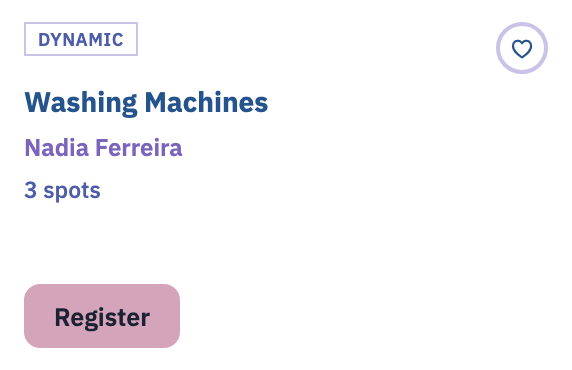
Tapping it moves it through three states, one tap at a time. Don't worry about getting it wrong — you can always tap again to change your mind.
-
Not saved — a grey circle with an open heart
This is how every workshop starts. Tap it once and it becomes Interested.
-
Interested — a blue circle with a filled heart
This means "I'm keeping an eye on it." Tap again to move on to Committed.
-
Committed — a rose-filled circle
This means "I plan to be there." Tap one more time and it clears, back to the start. It's a loop, so you can never get stuck.
If you rest your pointer on the heart, a small tip appears telling you what the next tap does. The exact words are:
- "Save — mark interested" (when it isn't saved yet)
- "Interested — click to commit" (when it's the blue heart)
- "Committed — click to clear" (when it's the rose heart)
Saving is just your private plan
Saving a workshop with the heart is only your own private planning. It does not reserve a place and it does not cost anything. To actually get a spot in a workshop you must press Register — that's the next chapter. Think of the heart as a bookmark, and Register as the real sign-up.
One more thing: if you tap a heart while you're signed out, Yuimaru gently opens the sign-in box first. That's because your saved plan is tied to your account, so it knows to keep your hearts safe. Once you're in, your tap goes through as normal.
My schedule
All your saved workshops gather in one place called My schedule. To get there, open any edition page and tap the My schedule button.
Your schedule shows every session you've saved on the same day-by-day timetable grid as the programme — laid out by day and room, each block showing its time, title and teacher. The heart on a block is filled and coloured to show whether you're Interested or Committed; tap it to change the state, or tap again to clear the session entirely.
Your saved schedule is private by default — nobody sees it unless you choose to show it to them. If you'd like a friend at the same festival to see what you've saved, the Share schedule button at the top does exactly that; see Sharing your schedule.
There's also a "Who's coming ›" link at the top, which takes you to the community page (more on that below). If you haven't saved anything yet, your schedule shows a friendly nudge: "Tap the heart on a workshop in the programme to add it here."
Who's coming (the community)
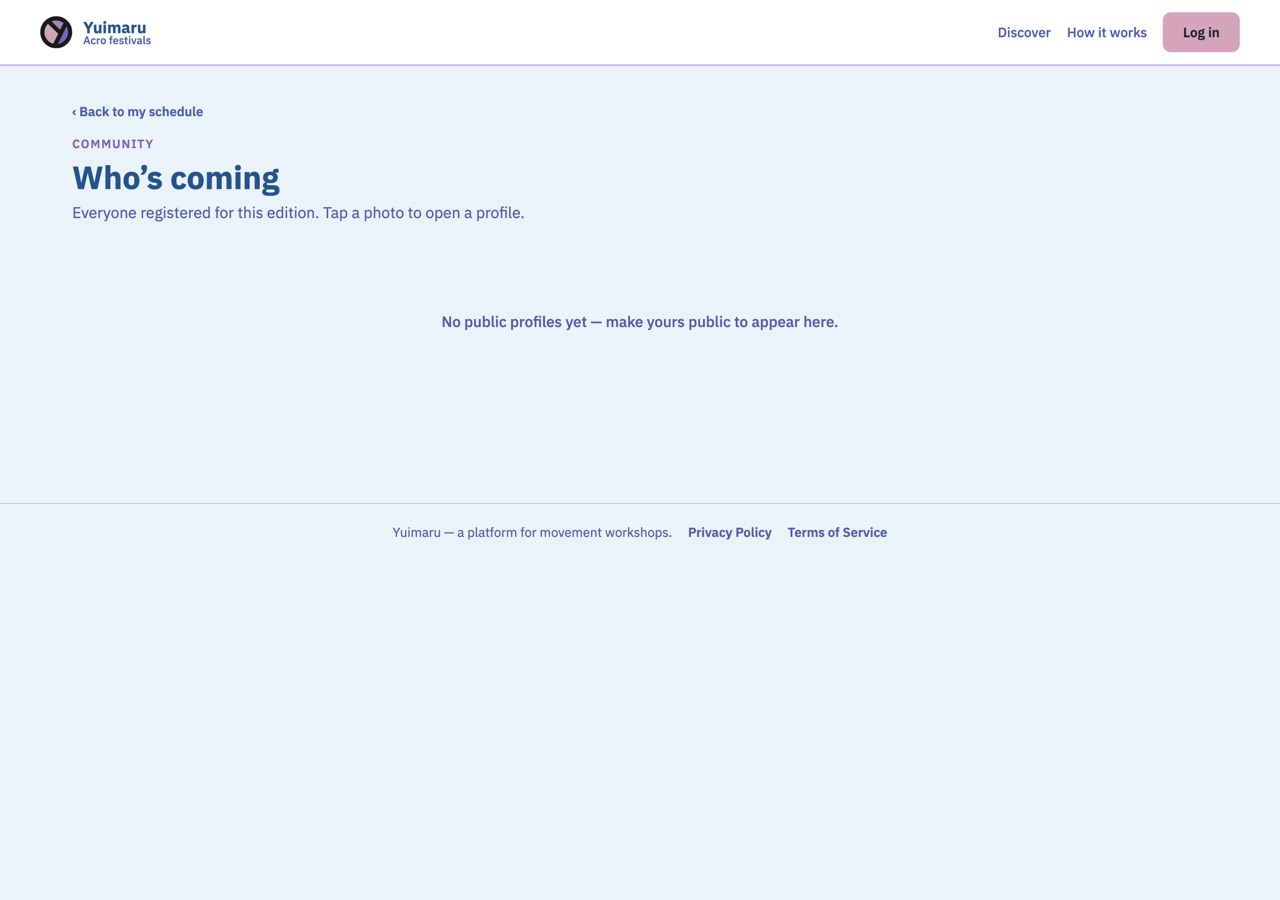
Curious who else is going? The Who's coming page shows a grid of the people attending the event, each with their photo. Tap anyone's photo to open their profile and see a little more about them. It's a lovely way to spot friends before you arrive.
Common questions
Does saving a workshop sign me up?
No. The heart only saves the workshop to your private plan — it doesn't reserve a place and it doesn't cost anything. To actually take a spot, press Register on the workshop. We cover that in the next chapter.
What's the difference between Interested and Committed?
They're just two levels of "maybe" and "yes". Interested (the blue heart) means "I'm keeping an eye on it." Committed (the rose heart) means "I plan to be there." Both are private notes for your own planning — you choose whichever fits how sure you are.
Where do my saved workshops go?
They all collect in My schedule. Open any edition page and tap the My schedule button to see them on the same day-and-room timetable as the programme, each block showing its time, title and teacher.
Can I un-save something?
Yes, easily. Tapping a heart cycles Empty → Interested → Committed → Empty again, so one or two more taps clears it. You can do this from the programme or from within My schedule. Nothing is permanent.
Can anyone else see what I've saved?
Only if you choose to show them. Your saved schedule is private until you share it with another attendee by email, and even then it's only that one edition's saved sessions. See Sharing your schedule.
Why did a sign-in box appear when I tapped a heart?
Because saving is tied to your account, so your plan stays with you. If you're signed out, Yuimaru opens the sign-in box first, then saves the workshop once you're in. You won't lose the tap.